Populating the Repository
Since an empty repository isn't of much use, the next logical step is to deposit digital objects into the repository. Repository deposits are done using the XMLLoader tool. Assuming the repository jar file is in your classpath, this tool can be invoked by typing the following command.
jre net.cnri.adore.XMLLoader.XMLFrameThis launches the GUI application below.
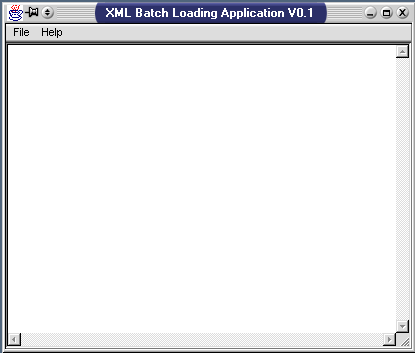
jre net.cnri.adore.XMLLoader.BasicLoaderThe XMLLoader utility operates on XML files which describes repository operations to perform. These data files can be loaded via the File menu in the GUI application, or specified as arguments for the command line version. The DTD which defines the XML grammar used for the scripts is DO-DTD-V02.dtd
An example of a XMLLoader file can be found in TestObject.xml. This XML script deposits a object with an id of test.servlets.Image/Cat into the repository with an id of cnri.test.adora/repository.
The type signature and servlet of an object must be specified using the typesignatureid and servletid tags. For more information on type signatures and servlets, see the Type Creation documentation that was distributed with this package. In this example, the type signature id is cnri.test.adora/Image and the servlet id is cnri.test.adora/ImageImplementation
Each datastream to attach to the object is specified within the attachment tag. A MIME type for the attachment should be included, as well as a source to acquire the data from. In the example, the data is loaded from disk, using the data tag with the type attribute set to "path".