Connecting to the Repository
Once the server is running, and objects have been deposited, the AdminTool utility can be used to browse the repository. AdminTool can be invoked with the following command.
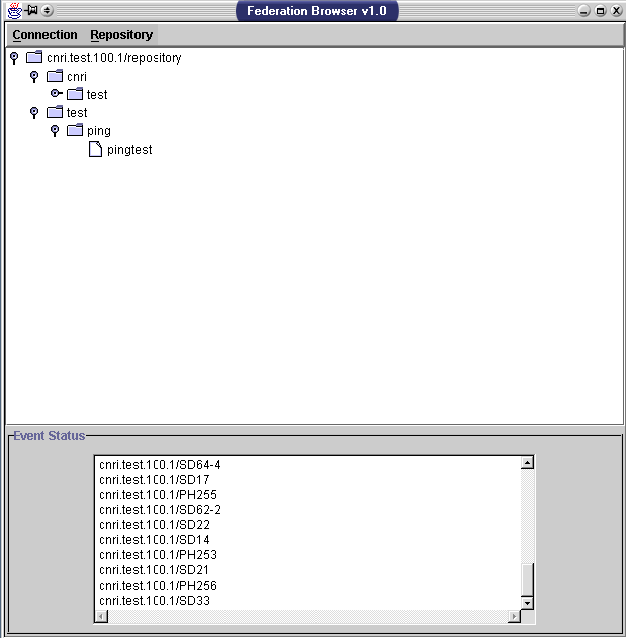
jre net.cnri.adore.AdminTool.DOTest -cp CRSCLIENT.jar server.confReplace CRSCLIENT.jar with the path to the CNRI Repository Client jar file. Below is a screen shot of the AdminTool main window, connected to a repository.
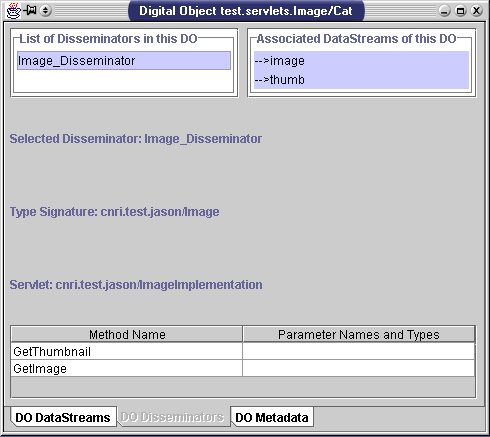
From the DO Disseminator page, which is selected in the above screen shot, an objects methods may be invoked by clicking on their table entry. Keep in mind, objects without a valid type signature and servlet will not have methods.
The DO DataStreams page allows for inspection of the data streams contained within an object.
The DO Metadata page displays creation and last revision dates for the object.