Running the Repository
Once a suitable configuration file has been created, the repository server can be run using the command
jre net.cnri.adore.Server.ServerFrame -cp DOS.jar server.confReplace server.conf with the name of the configuration file you have created, and DOS.jar with the path to the CNRI Repository Server jar file. Below is a screen shot of the main repository window.
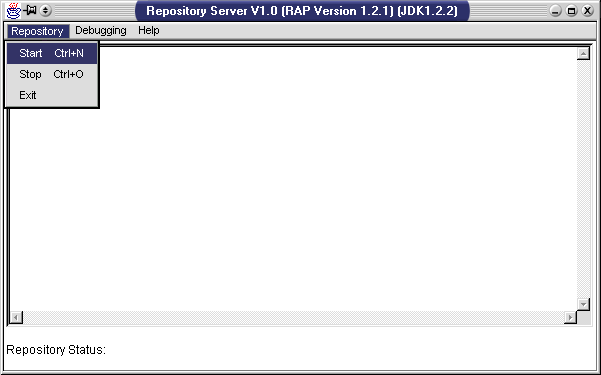
jre net.cnri.adore.Server.BasicServer -cp DOS.jar server.confOnce again, replace server.conf with the name of the configuration file you have created, and DOS.jar with the path to the CNRI Repository Server jar file. The command line repository server will yield output similar to the following.
[Info    ] dissemination: INITIALIZING ExecutableLoader
[Info    ] dissemination: Executable table not loaded, loading.
[Info    ] dissemination: INITIALIZING ExecutableLoader
[Info    ] dissemination: INITIALIZING
[Info    ] object: USER NUMBER:1 REFERENCE COUNT:1
[Info    ] object: INITIALIZATION of alpha
=> Confirming DO cnri.test.jason/VideoObject
=> Confirming DO cnri.test.jason/TechReportObject
=> Confirming DO cnri.test.jason/ImageTypeObject
[Info    ] object: USER NUMBER:1 REFERENCE COUNT:1
[Info    ] server: IOR written to /home/httpd/html/Server.IOR
[Info    ] server: Published Repository Object...

 Starting cleanup thread
Important: Make certain that there is a registered handle that will resolve to the URL that the repository's CORBA IOR address has been stored at.